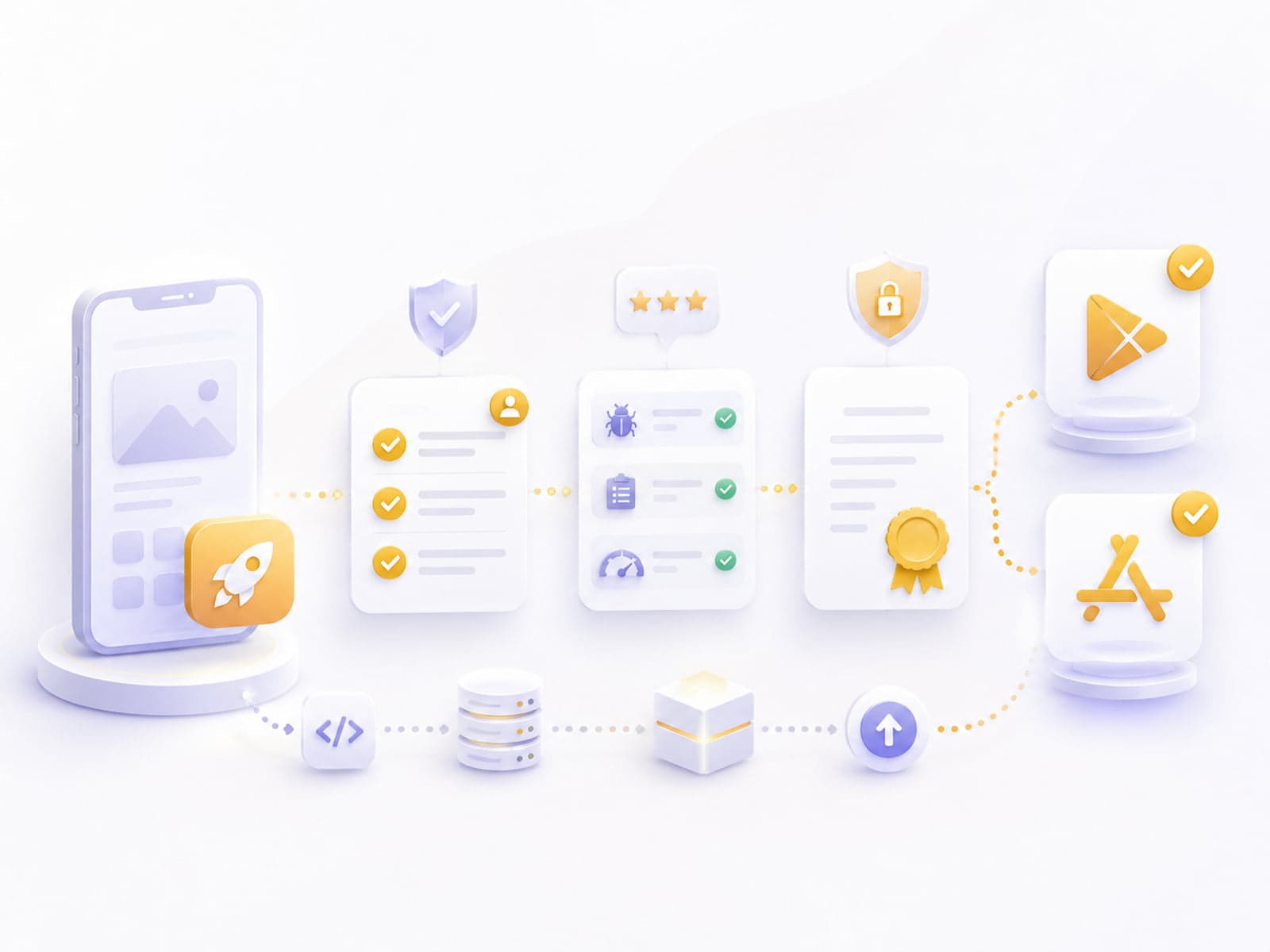
A mobile app is built — but deployment often feels harder than it actually is. A 2-3 week slip in App Store / Play Store review is common, but avoidable with the right preparation. This guide walks through the full flow from a new developer's perspective: account setup, certificate management, build configuration, metadata upload, the review process, and Fastlane-based automation.
This guide reflects the state of things in Q1 2026. Apple and Google policies change quickly — it's worth checking the official documentation too, especially around privacy declarations and target API level.
Prerequisites — what you need to know upfront
Before you start, a few things need to be in place. These are often left to the last minute, and that causes a 1-2 week slip.
On iOS
- Apple Developer Program membership ($99/year Individual or Organization, $299/year Enterprise — the latter for internal distribution)
- Apple ID with 2FA (2FA is now mandatory — don't turn it off)
- A Mac (Xcode is required; a cloud-Mac service such as MacStadium is an option if you don't have a local Mac)
- Xcode 16+ (as of Q1 2026; the Xcode version must match the target iOS version)
- App Store Connect access (included with the Developer Account)
- D-U-N-S Number (for Organization accounts; free to request, takes 1-2 weeks)
On Android
- Google Play Console developer account ($25 one-time)
- Google account with 2FA
- Any OS (Windows / Mac / Linux — an advantage over iOS)
- Java JDK 17+, Android Studio Hedgehog or newer
- Data Safety questionnaire completed — this has been stricter since the 2024 Google update
- App icons in every size (iOS: 1024×1024 + adaptive sizes; Android: 512×512 + adaptive icon foreground + background)
- Screenshot set (iOS: 6.7" + 5.5" minimum; Android: 16:9 phone + tablet)
- Privacy policy URL (public, GDPR-compliant)
- Terms of service URL (optional, but required by most stores for new submissions)
- App description in Hungarian and English (typically written by the marketing team)
Tip: Preparing icons and screenshots is often 1-2 days of design work. Schedule time for it outside deployment week.
iOS deployment — in 10 steps
1. Register the Bundle ID and App ID
Apple Developer Portal → Certificates, Identifiers & Profiles → Identifiers → new App ID. Bundle ID convention: com.companyname.appname. Reverse-DNS notation, lowercase, hyphens allowed.
Bundle ID examples:
✓ com.corevanix.partneriapp
✓ hu.cegnev.flotta-mobile
✗ com.corevanix.PartneriApp  (uppercase not allowed)
✗ corevanix.app              (not reverse-DNS)
Never change the Bundle ID after release — it counts as a new app, and all user data is lost.
2. Capabilities and Services
Every capability you use has to be explicitly enabled on the App ID:
- Push Notifications (if you use push)
- In-App Purchase
- Sign in with Apple
- Associated Domains (for Universal Links)
- Background Modes
- HealthKit, HomeKit, etc.
Every new capability requires its own provisioning profile — plan for this ahead of time.
3. Certificate and Provisioning Profile
Two certificates are needed:
- Development certificate (for debug builds, local development)
- Distribution certificate (for the App Store, TestFlight)
Provisioning Profile for the Distribution certificate. Xcode can handle all of this automatically (Automatically manage signing), but in production it's better to manage it manually — automatic signing often breaks in CI/CD environments.
# Export a local cert from iCloud Keychain
security find-identity -p codesigning -v
# Lists the stored certificates
4. Build configuration
Xcode → Product → Scheme → Edit Scheme → Run → Build Configuration: Release. Plus:
- Strip Debug Symbols: Yes
- Enable Bitcode: (Bitcode has been deprecated since Xcode 14, no longer relevant)
- Optimization Level: -Os (Smallest, Fastest)
- Swift Compilation Mode: Whole Module Optimization
Goal: the archive should appear clean in Window → Organizer, with no warnings.
5. App Store Connect — create the app
App Store Connect → My Apps → new app:
- Select the Bundle ID (registered in step 1)
- SKU (internal ID — anything works, e.g. "PARTNERI_APP_2026")
- App name (max 30 characters, shown on the App Store)
- Primary language
This is the time-consuming part. Every field is required:
- App name, subtitle (max 30 chars), keywords (max 100 chars, comma-separated)
- Description (max 4,000 chars)
- Promotional text (max 170 chars — you can change this even after the app is already live)
- Support URL, marketing URL
- Privacy policy URL (public, live, GDPR-compliant)
- Screenshots in at least 1-3 sizes (iPhone 6.7" + 5.5" — the required sizes change roughly every 2 years)
- App icon 1024×1024 (PNG, no transparent areas)
- App Privacy questionnaire — what data you collect and why
- Age Rating questionnaire
- Content Rights
The App Privacy declaration has been mandatory since 2020. The "Data Used to Track You," "Data Linked to You," and "Data Not Linked to You" categories need to be marked precisely.
7. Build upload
Xcode → Product → Archive → Distribute App → App Store Connect → Upload.
Typical build processing time: 15-60 minutes. Extreme cases of 4-6 hours do happen, especially on release days.
# With Fastlane:
fastlane ios beta
After the build is processed, warnings may appear (Missing Marketing Icon, ITSAppUsesNonExemptEncryption, etc.). You'll see them under App Store Connect → TestFlight.
8. Submission
App Store Connect → Version → select the build → Submit for Review.
Pre-submission checklist:
9. Review and release
Typical review time: 24-48 hours (before 2025 it was 3-7 days — it has sped up a lot). Possible outcomes:
- Approved: automatic release or manual release (you choose this in settings)
- Rejected: you get the reason in the Resolution Center — fix and resubmit
- In review: wait
- Pending Developer Release: approved, but you release it manually
10. Post-release monitoring
The first 24-48 hours are critical:
- Crashes — Xcode Organizer → Crashes tab
- Reviews — App Store Connect → Ratings and Reviews
- TestFlight feedback — still available
- Privacy incidents — Apple sends an email if it detects a problem
Common rejection reasons
| Rejection reason |
Fix |
| Crash on launch |
Test on every iOS version (min target → latest) |
| Privacy policy URL broken |
Check it manually, in Hungarian and English |
| Sign-in required without explanation |
Provide a guest mode or explain the value |
| In-app purchase not relevant, but uses a Stripe flow |
Apple only allows IAP for digital services |
| Medical/financial claim without a disclaimer |
Add an appropriate disclaimer |
| Insufficient unique content (clone) |
The app needs to provide real value |
| Inappropriate content |
Content policy review |
| Missing required functionality |
The app can't be a placeholder |
Note: If you get a rejection, don't restart the flow from step 0. You can talk to the reviewer through the Resolution Center — the issue is often resolved after 1-2 replies.
Android deployment — in 10 steps
1. Application ID and package name
Convention: com.companyname.appname. The application ID is set in build.gradle — never change it after launch.
// app/build.gradle.kts
android {
    namespace = "com.corevanix.partneriapp"
    defaultConfig {
        applicationId = "com.corevanix.partneriapp"
        versionCode = 1
        versionName = "1.0.0"
        minSdk = 26
        targetSdk = 35  // 2026: Android 15
    }
}
2. Generate a signing key
keytool -genkey -v -keystore release.keystore \
  -alias upload -keyalg RSA -keysize 2048 -validity 10000 \
  -storepass <password> -keypass <password> \
  -dname "CN=Corevanix Kft., O=Corevanix, C=HU"
LOSE THE KEYSTORE FILE OR PASSWORD = LOSE THE APP (you cannot publish updates with a new keystore, only a new app). Store it somewhere secure (1Password, Bitwarden, HashiCorp Vault).
3. Google Play App Signing (recommended)
Since the 2021 change, Google Play generates and holds its own signing key. Your AAB, signed with your "upload key," gets re-signed by Google with its own production key.
Benefit: if you lose your upload keystore, Google can generate a new upload key — the app is NOT lost.
Play Console → App Signing → Use Google Play App Signing
→ Upload your upload key certificate (or generate new)
4. Google Play Console — create the app
Play Console → All apps → Create app:
- Default language
- App / Game
- Free / Paid
- Declaration: app meets Google Play policies
5. Generate the App Bundle (AAB)
cd android
./gradlew bundleRelease
The AAB lands in app/build/outputs/bundle/release/app-release.aab. It's the modern alternative to APK (smaller, Google dynamically splits it into platform-specific APKs).
# With Fastlane in RN:
fastlane android beta
6. Internal Testing track
Always put the release on the Internal Testing track first. Resubmissions are unlimited and free, and it's live at the beta level within 1-2 hours.
Play Console → Internal testing → Create release → Upload AAB.
7. Pre-launch report
Google automatically runs the build through Firebase Test Lab (roughly 30 virtual devices), flagging crashes, ANRs, and security issues.
The pre-launch report takes 2-6 hours. Results:
- Crash — fix required
- ANR (Application Not Responding) — fix required
- Performance issue — informational, worth fixing
- Security warning — fix required
- Accessibility issue — informational
8. Closed / Open Testing
After Internal, test with 50-1,000 beta users on Closed Testing. Move to the Production track once feedback is positive.
Closed Testing's benefit: real user feedback before the production submission. A 2-4 week cycle is typically worth running.
9. Production release
Phased rollout: 1% → 5% → 20% → 50% → 100%. Monitor crash analytics at every stage. If there's a crash spike, halt the rollout.
Day 1:  1% rollout
Day 2:  5% rollout
Day 4:  20% rollout
Day 7:  50% rollout
Day 14: 100% rollout
10. Post-release monitoring
- Crashlytics (Firebase) — crashes, ANRs
- Play Console Vitals — performance metrics, battery, ANR rate
- Reviews — Play Console → Ratings and reviews
- Pre-launch report — runs on every new release
Review time and common rejections
Google Play review: 1-3 days on first submission, 12-24 hours afterward. Common issues:
| Issue |
Fix |
| Permissions too broad |
Request only the permissions you actually use |
| Privacy policy / Data Safety form inaccurate |
Update the Data Safety section |
| Incomplete data declaration |
Declare every type of data collected |
| Target API level too old (2026: min 35) |
Update minSdk and targetSdk |
| App content policy violation |
Review the Google Play policies |
| Spam / clone app |
The app needs to provide unique value |
| Restricted content (e.g. pharmaceuticals) |
Special approval / disclaimer |
Tip: The Data Safety form has been stricter since 2024. Every third-party SDK (Firebase, Mixpanel, OneSignal) has to have its data collection declared. Don't skip Sentry either — it also collects data.
Version synchronization
On a single project, you're running builds for two stores at once. To keep versions in sync:
// package.json (RN example)
{
  "version": "1.4.2"
}

// Build scripts use this for both platforms
// iOS: CFBundleShortVersionString
// Android: versionName
Keep the build number in sync as well — it simplifies debugging when a bug report comes in.
Feature parity
If the two platforms have different features (e.g. Live Activity on iOS only), two things matter:
- Documentation — clearly document what's available on which platform
- App Store / Play Store description — different copy per platform
Keep a Notion or Linear doc with all the store metadata: description, screenshot links, version history. Onboarding a new team member then takes 30 minutes.
Automation with Fastlane
A manual deployment takes 2-3 hours per release. With Fastlane, it takes 5-10 minutes.
Fastlane setup
# On iOS
cd ios
fastlane init

# On Android
cd android
fastlane init
Example Fastfile
# fastlane/Fastfile
default_platform(:ios)

platform :ios do
  desc "Push a new beta build to TestFlight"
  lane :beta do
    increment_build_number(xcodeproj: "MyApp.xcodeproj")
    build_app(
      scheme: "MyApp",
      export_method: "app-store",
      output_directory: "./build",
    )
    upload_to_testflight(
      skip_waiting_for_build_processing: true,
      changelog: changelog_from_commits,
    )
    slack(
      message: "iOS beta build #{lane_context[SharedValues::BUILD_NUMBER]} uploaded",
    )
  end

  desc "Submit for App Store review"
  lane :release do
    capture_screenshots
    build_app(scheme: "MyApp")
    upload_to_app_store(
      submit_for_review: true,
      automatic_release: false,
    )
  end
end

platform :android do
  desc "Push a new build to Internal Testing"
  lane :beta do
    gradle(task: "bundleRelease")
    upload_to_play_store(
      track: "internal",
      aab: "app/build/outputs/bundle/release/app-release.aab",
    )
  end

  desc "Production release"
  lane :release do
    gradle(task: "bundleRelease")
    upload_to_play_store(
      track: "production",
      rollout: "0.05",  # 5% phased rollout
    )
  end
end
GitHub Actions integration
# .github/workflows/mobile-beta.yml
name: Mobile Beta
on:
  push:
    branches: [main]
jobs:
  ios-beta:
    runs-on: macos-latest
    steps:
      - uses: actions/checkout@v4
      - uses: ruby/setup-ruby@v1
        with:
          ruby-version: 3.2
          bundler-cache: true
      - uses: actions/setup-node@v4
        with:
          node-version: 20
      - run: npm ci
      - run: bundle exec fastlane ios beta
        env:
          APPLE_ID: ${{ secrets.APPLE_ID }}
          APP_STORE_CONNECT_API_KEY: ${{ secrets.APP_STORE_CONNECT_API_KEY }}
          MATCH_PASSWORD: ${{ secrets.MATCH_PASSWORD }}

  android-beta:
    runs-on: ubuntu-latest
    steps:
      - uses: actions/checkout@v4
      - uses: actions/setup-java@v4
        with:
          distribution: temurin
          java-version: 17
      - uses: ruby/setup-ruby@v1
        with:
          ruby-version: 3.2
          bundler-cache: true
      - run: npm ci
      - run: bundle exec fastlane android beta
        env:
          PLAY_STORE_JSON_KEY: ${{ secrets.PLAY_STORE_JSON_KEY }}
Fastlane Match — certificate management
Certificate management is much easier with Fastlane Match:
# Matchfile
git_url("git@github.com:corevanix/mobile-certificates.git")
storage_mode("git")
type("appstore")

app_identifier(["com.corevanix.partneriapp"])
username("info@corevanix.com")
The match appstore command downloads and installs the certificates. Automatic in CI, about 30 seconds locally.
TestFlight vs. Closed Testing
The two beta channels suit different use cases:
| Aspect |
TestFlight (iOS) |
Closed Testing (Android) |
| Max users |
10,000 |
Unlimited (per group) |
| Beta period |
90 days |
Unlimited |
| Crash reports |
Yes |
Yes (Crashlytics) |
| Beta feedback |
In-app + email |
Email + Play Console |
| Review needed |
Internal: no; External: yes (24h) |
No |
| Distribution |
Email invite or public link |
Email invite or public link |
| Setup time |
1 day |
2-4 hours |
A "real" beta runs 2-4 weeks. 50-100 users are enough to catch the major bugs, without generating so much feedback that it becomes unmanageable.
Release strategy — phased rollout and halt criteria
Phased rollout best practices
Day 1-2:    5% rollout       — watch the crash rate
Day 3-5:    20% rollout      — continue if crashes stay below 0.5%
Day 6-10:   50% rollout      — keep watching
Day 11-14:  100% rollout
Halt criteria
- Crash-free users below 99% — halt, investigate
- ANR rate above 0.47% (Play Console threshold) — halt
- Negative review burst (5+ one-star reviews in a day) — investigate
- Crashes tied to a specific OS version — halt, hot-fix
A halt-and-hot-fix cycle takes 1-2 days. It's better to halt than to keep rolling out to 100%.
Rollback strategy
Rollback is hard on iOS: an app can't be rolled back to an "older" version. The workaround is submitting a new release with the old build (as an incremental version).
On Android, the Play Console "Halt rollout" button helps, but there's no auto-rollback for users who already installed the new version.
The defensive strategy is feature flags. New features ship off by default and can be flipped server-side.
What not to do — 5 common mistakes
1. Don't submit a debug build to production
Debug builds are slower, larger, and often contain dev-only credentials. Always use the Release configuration.
2. Don't leave the Privacy policy URL empty
This is the #1 cause of auto-rejection. The privacy policy URL needs to be live and available in Hungarian and English (for multi-locale apps).
3. Don't use banned keywords in the app description
"Best," "top," "guaranteed" — these can violate marketing policies. Only use them if they're actually verifiable.
4. Don't leave screenshots as placeholders
The reviewer looks at the screenshots, and placeholder text ("Lorem ipsum") in them triggers an automatic rejection.
5. Don't skip the ATT prompt on iOS
If you use tracking data (Firebase, Google Analytics, Facebook SDK), the App Tracking Transparency prompt is mandatory. Skipping it is one of the most common causes of privacy-violation auto-rejection.
Official docs and further reading
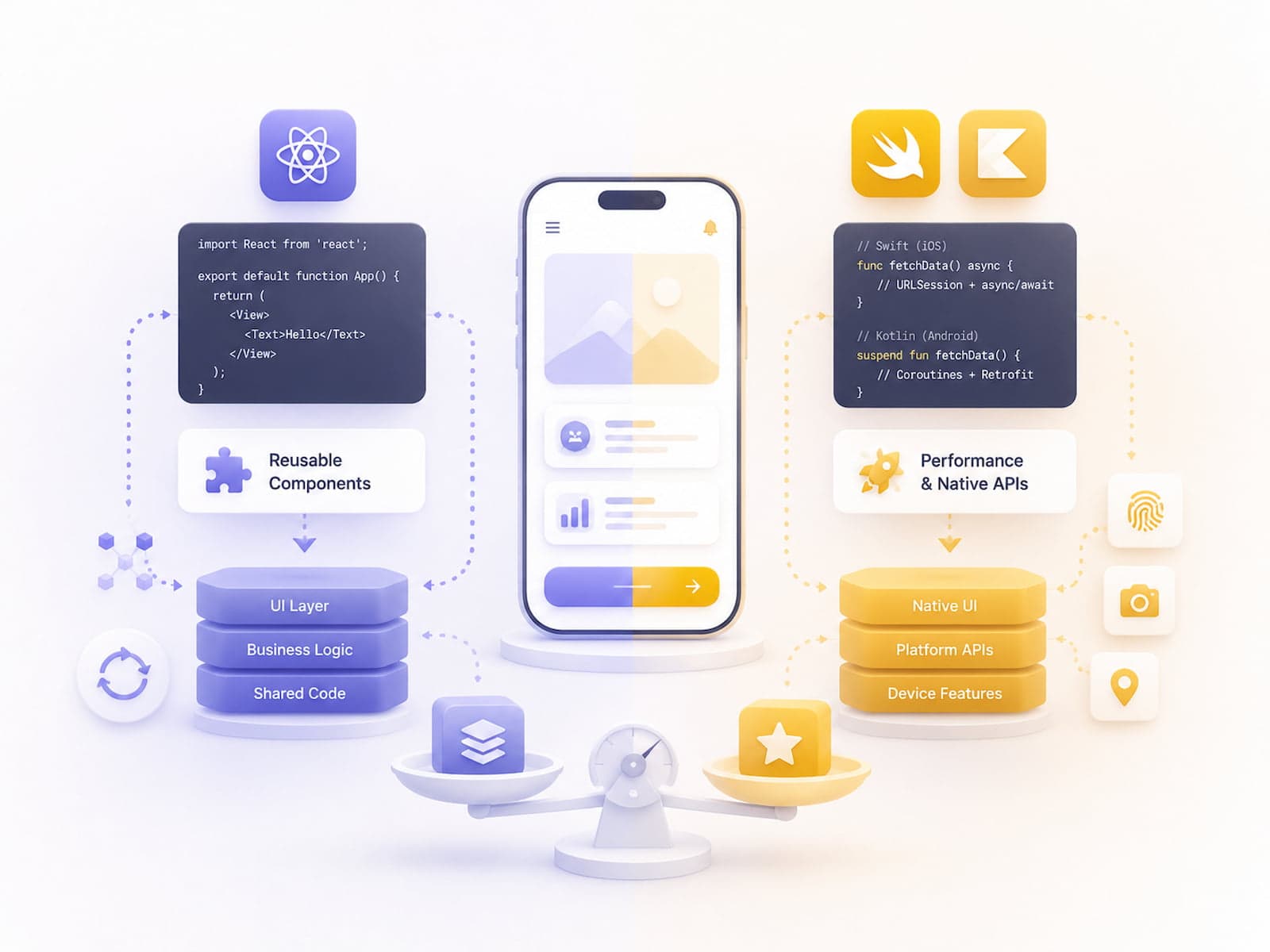
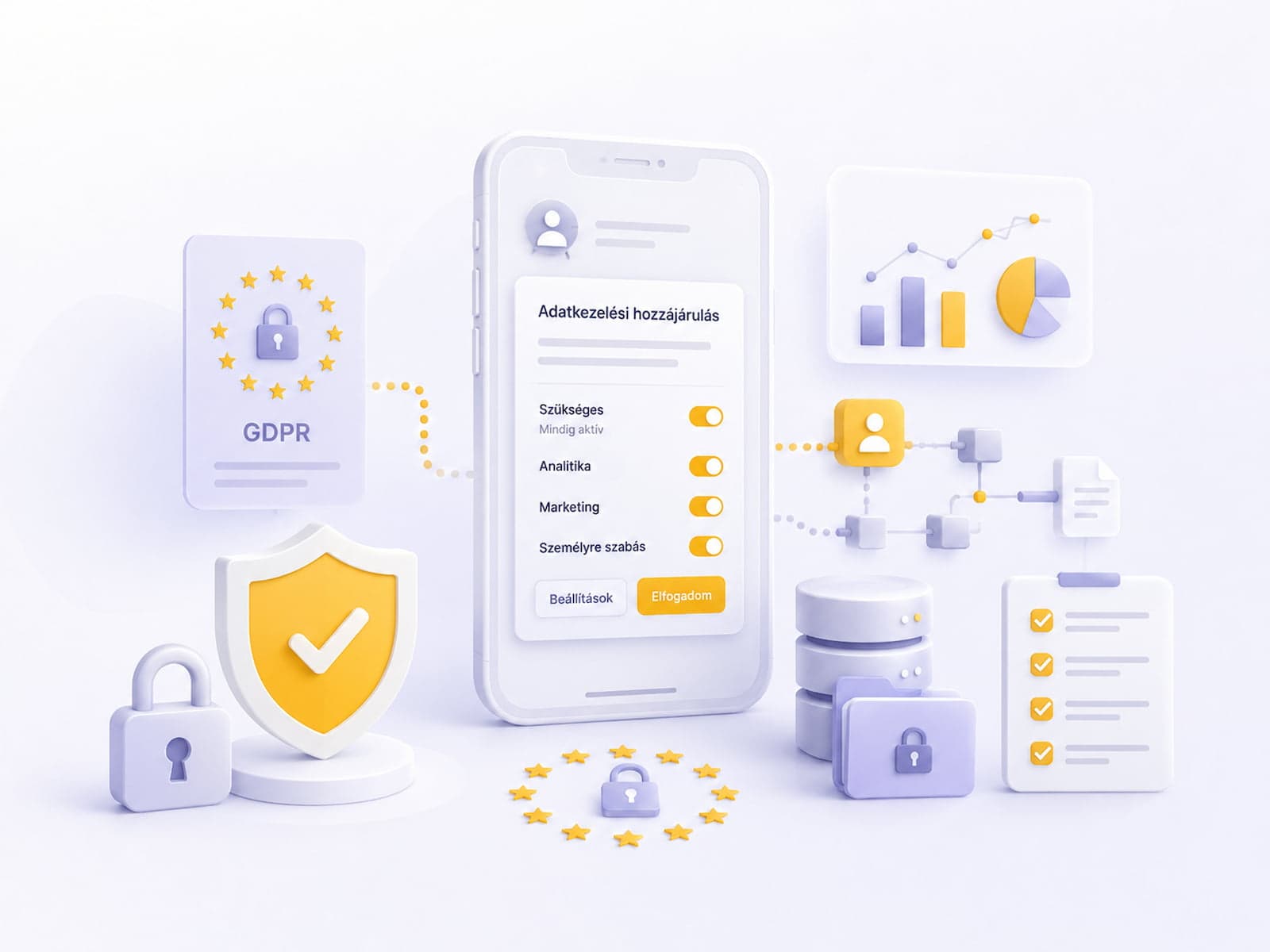
Related articles from us: React Native vs. Native in 2026 — choosing a platform. Getting push notifications right — designing a push flow. Mobile app GDPR compliance — privacy fundamentals before deployment.
Frequently asked questions
How long does App Store review take?
Typically 24-48 hours as of 2026, down from the 3-7 days it used to take before 2025.
How long does Google Play review take?
1-3 days for a first submission, 12-24 hours for subsequent releases.
Can the Bundle ID or Application ID be changed after launch?
No. Changing either one after release counts as publishing a new app, and all existing user data is lost.
Wrap-up
Mobile deployment in 2026 is faster than ever — but the setup remains steep. Plan for 2-4 weeks for your first store submission (certificates, metadata, screenshots, the first review).
Setting up an automated pipeline (Fastlane + GitHub Actions) takes 1-2 days of development, but after that every release takes 5-10 minutes. It's worth it.
After the first release, every subsequent one gets easier. By the third release it already feels routine, and by the tenth it's essentially automatic. The investment goes into the initial setup — after that, deployment friction largely disappears.
If you're planning a mobile app project, let's talk through your deployment and store strategy — taking ownership of the release process is part of our build package. On the first release, our partner developer personally checks every step to make sure the handover goes cleanly.