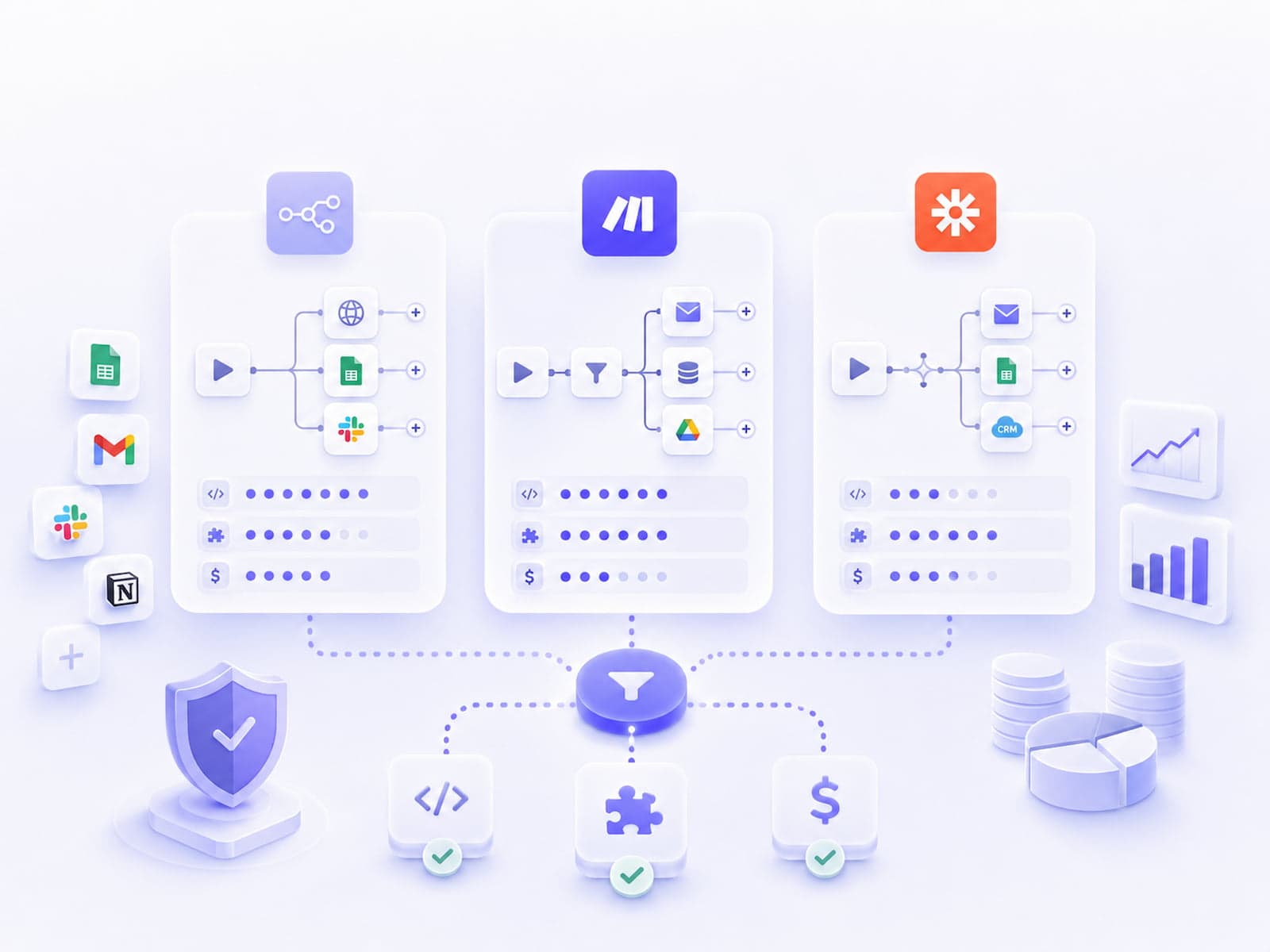
Workflow automation in 2026 runs mostly on three platforms: Zapier (the pioneer, with the largest integration catalog), Make (the cleanest visual builder, successor to Make.com / Integromat), and n8n (self-hostable, the developers' favorite). All three are worth knowing — but the choice is project-level, not company-level. At an SMB it's entirely normal for the marketing team to run on Zapier while the tech team runs on n8n in parallel.
This article is a deep dive into all three platforms — their strengths and weaknesses — plus five concrete use cases with a recommendation for each. The numbers and benchmarks reflect Q1 2026; the market moves fast, so it's worth verifying against the official pricing pages.
Workflow automation in 2026 — what's changed?
The market has transformed completely since 2020. Three main trends:
- AI-native nodes everywhere. All three platforms now natively integrate the OpenAI, Anthropic and Google Gemini APIs. An LLM call in a workflow is a standard step today, not a custom HTTP module.
- Self-hosting is in demand. Because of GDPR focus and a desire to avoid vendor lock-in, many of our clients explicitly ask for a self-hostable option. n8n is the only mainstream choice here.
- A pricing war. After Zapier's 2024 price increase, Make's pricing tiers became more attractive; and more and more companies are factoring in n8n's self-hosted option being free.
The strategic position of the three platforms:
- Zapier: breadth (integration count), reliability, no-code audience.
- Make: price-to-value ratio, visual handling of complexity.
- n8n: depth (code-level control), self-hosting, developer-team focus.
Zapier — the market pioneer
Zapier launched in 2011 and remains the market-leading SaaS integration platform. It has 6,000+ integrations, most of them fully solved (auth, webhook, error handling). The no-code interface is genuinely no-code: a business user can assemble a "new lead lands in HubSpot → Slack message → Google Sheet row" workflow in ten minutes.
Architecture and pricing model
Zapier works with Zaps: one Zap = one trigger plus one or more actions. Pricing is task-based: every action run counts as one task. If your Zap is "Stripe → Slack + Google Sheet + HubSpot", one trigger consumes 3 tasks.
Trigger: Stripe new charge (0 task, free)
Action 1: Send Slack message (1 task)
Action 2: Add row to Google Sheet (1 task)
Action 3: Update HubSpot contact (1 task)
Total: 3 tasks / event
SMB-level traffic (50 customers / day × 3 tasks) works out to 4,500 tasks a month — that fits inside the $50 Starter tier. At 10x that volume you already need the Professional tier ($73-103/month).
Strengths
- A massive integration catalog. 6,000+ — if a B2B SaaS tool exists, it probably has a Zapier integration.
- Reliability. Well-designed retry logic (exponential backoff, automatic retry on 5xx errors), webhook deduplication.
- Onboarding and documentation. A new user can build a first workflow in 30 minutes.
- Enterprise SLA and SOC 2 compliance. A GDPR DPA can be signed on the Enterprise tier.
- Tables and Interfaces. New 2024 features: a lightweight database (Tables) and a form builder (Interfaces) built into Zapier.
- AI by Zapier. Native GPT and Claude integrations with a prompt builder.
Weaknesses
- Expensive task-based pricing. 100K tasks/month = $700-1,000/month. A comparable volume on self-hosted n8n costs about $50 in VM cost.
- Complex workflows are hard to reach. The no-code UI doesn't handle nested branching and loops well. "Filter by Zapier" and "Paths" help, but don't replace a proper visual router.
- No self-hosting. Data is processed on US servers (a Frankfurt region currently exists only on Enterprise, and even then not fully).
- Vendor lock-in. An exported workflow only runs inside Zapier — there is no migrate-out path.
Typical monthly cost, 2026
| Tier |
Tasks/month |
Monthly fee |
Use case |
| Free |
100 |
$0 |
Single user, hobby |
| Starter |
750 |
$19.99 |
Small business, 2-3 workflows |
| Professional |
2,000-50,000 |
$73-289 |
Standard SMB |
| Team |
50,000+ |
$103-799 |
3+ users, sharing |
| Company |
Unlimited |
$1,000+ |
Enterprise SLA |
Note: Zapier's task counting isn't always intuitive. A filter step can consume a task, and so can a lookup. For a real budget estimate, run a free week and check actual usage on the Tasks panel.
Make — the cleanest visual builder
Make (formerly Integromat) has a more modular architecture. Its "operation"-based counting is more granular than Zapier's (one webhook trigger = 1 op, one data lookup = 1 op), and complex branching workflows are easier to manage in the visual scenario editor.
Architecture and pricing model
Make works with scenarios. A scenario is a freely connectable module graph — not necessarily linear. Multiple triggers, multiple paths, aggregators and iterators are all handled natively.
Webhook trigger (1 op)
  ↓
Router (0 op)
  ├─ Path A: Slack message (1 op)
  ├─ Path B: HTTP GET vendor API (1 op) → JSON parse (1 op) → DB insert (1 op)
  └─ Path C: Filter (0 op) → Email send (1 op)
Pricing is operation-based, and every module execution is 1 op. It's generally cheaper than Zapier at a comparable volume.
Strengths
- Complex workflows are manageable visually. Router, iterator and aggregator are native components. Nested flows are cleaner than in Zapier.
- Better pricing for mid-size teams. A $9 entry tier, and $29 already includes 10K ops.
- A native HTTP module. Custom API calls to any REST endpoint, with OAuth support and a built-in batch function.
- A data store feature. A small key-value store built into the platform — no need to bolt on a separate database for a simple counter.
- Make AI. Native OpenAI, Anthropic and Mistral modules.
- Custom Functions. JavaScript-like mini-code for data transformation.
Weaknesses
- A steeper learning curve than Zapier's. The aggregator + iterator concept takes a few hours to onboard onto.
- Fewer integrations (~1,500). But the flexible HTTP module covers most of the long tail.
- No self-hosting. An EU-hosting option exists (Frankfurt), but the platform is still operated by a US-based team.
- Operation debugging is harder than Zapier's task history. Every op shows up in the scenario history, but step-by-step replay isn't as clean as Zapier's.
- Schedule imprecision. Trigger-scheduled scenarios can sometimes run 1-2 minutes late. Not ideal for time-critical use cases.
Typical monthly cost, 2026
| Tier |
Ops/month |
Monthly fee |
| Free |
1,000 |
$0 |
| Core |
10,000 |
$9 |
| Pro |
10,000 |
$16 |
| Teams |
10,000 |
$29 |
| Enterprise |
1M+ |
Custom |
Cheaper than Zapier at comparable volume. A 20,000 ops/month workload (~200 scenario executions/day, 3 ops average) runs about $30-50/month. The equivalent on Zapier is about $80-100.
n8n — self-hosted, developer-focused
n8n (pronounced "n eight n", short for "nodemation") runs self-hosted or on n8n.cloud. It's available under the Sustainable Use License — open-source code, but with restrictions on competing CRM-like commercial use. For SMBs and end users it's 100% free to use.
Architecture and pricing model
n8n workflows can be exported as JSON and committed to git. This changes workflow management dramatically: code review, branch-based deployment and environment promotion all work.
# n8n workflow (simplified)
nodes:
  - name: Webhook
    type: n8n-nodes-base.webhook
  - name: Validate
    type: n8n-nodes-base.code
    parameters:
      jsCode: |
        if (!$input.item.json.email) throw new Error("Missing email");
        return $input.item;
  - name: OpenAI Classify
    type: n8n-nodes-base.openAi
  - name: HubSpot Create
    type: n8n-nodes-base.hubspot
connections:
  Webhook: [Validate]
  Validate: [OpenAI Classify]
  OpenAI Classify: [HubSpot Create]
Self-hosted pricing is unlimited per execution. Only VM cost matters.
Strengths
- A self-hosted option (data residency, GDPR). Runs comfortably on a five-euro Hetzner VPS.
- Workflows export as JSON and are git-version-controllable. This is arguably the single most important feature — versioned workflow management.
- Custom nodes can be written in TypeScript. If a rare SaaS tool has no node, you can write one yourself in a day or two.
- Unlimited executions in self-hosted mode. A webhook can fire a thousand times a second — only VM cost matters.
- A code node (JavaScript / Python). Handles any logic, including stateful workflows (Redis cache).
- AI-native nodes. OpenAI, Anthropic, Ollama (local LLM), LangChain integration. Vector databases (Pinecone, Qdrant, pgvector).
- AI Agents node. A new 2024 feature: multi-step LLM agents inside a workflow.
Weaknesses
- A steeper onboarding curve. Self-hosting requires DevOps skills (Docker, reverse proxy, backups).
- Fewer integrations (~400+). But the HTTP Request node plus the code node cover every API.
- UI/UX less polished than the SaaS competitors. The 2024 redesign improved things a lot, but it still has a "developer feel".
- Your own hosting and maintenance. Backups, monitoring, upgrades — all on you. Or a monthly fee on n8n.cloud instead.
- Community vs Enterprise edition. The Community edition is free; Enterprise features (SSO, audit log, high-availability queue mode) are paid.
Typical monthly cost, 2026
| Option |
Cost |
| Self-hosted Community |
$0 license + ~$10-50/month VPS |
| Self-hosted Enterprise |
$0-X license (custom) + infrastructure |
| n8n.cloud Starter |
$20/month (5 active workflows, 5k executions) |
| n8n.cloud Pro |
$50/month (50 workflows, 50k executions) |
| n8n.cloud Business |
$667/month (unlimited, advanced features) |
Self-host setup quickstart
docker run -d --restart unless-stopped \
  --name n8n \
  -p 5678:5678 \
  -v n8n_data:/home/node/.n8n \
  -e N8N_BASIC_AUTH_ACTIVE=true \
  -e N8N_BASIC_AUTH_USER=admin \
  -e N8N_BASIC_AUTH_PASSWORD=$(openssl rand -base64 32) \
  -e WEBHOOK_URL=https://n8n.example.com/ \
  docker.n8n.io/n8nio/n8n
Caddy or Nginx as a reverse proxy for HTTPS, a Hetzner backup snapshot for disaster recovery. The whole stack runs under $10/month.
Comparison table — every angle in one place
| Criterion |
Zapier |
Make |
n8n |
| Integration count |
6,000+ |
1,500+ |
400+ (growing fast) |
| Self-hosting |
No |
No |
Yes |
| Vendor lock-in |
High |
Medium |
Low |
| No-code capability |
Excellent |
Good |
Medium |
| Code extensibility |
Limited (Code by Zapier) |
Limited (Custom Functions) |
Excellent (Code node) |
| Pricing model |
Task-based |
Operation-based |
Per-execution / unlimited self-hosted |
| Entry monthly fee |
$20 |
$9 |
$0 (self-hosted) / $20 (cloud) |
| Cost at 100K executions/month |
$1,000+ |
$200-400 |
$10-50 (self-hosted VPS) |
| Complex workflows |
Hard |
Easy |
Easy |
| Onboarding |
Simple |
Medium |
Steep |
| GDPR / EU data |
Enterprise tier |
EU-host option |
Self-hosted, full control |
| Version control (git) |
No |
No |
Yes (JSON export) |
| AI / LLM support |
Good |
Good |
Excellent (local LLM via Ollama) |
| Vector DB integration |
Limited |
Limited |
Yes (Pinecone, Qdrant, pgvector) |
Pricing breakdown 2026 — concrete numbers
An SMB-level workflow (200 events/day × 5 steps = 1,000 executions/day, ~30K/month):
| Platform |
Tier |
Monthly cost |
Vendor cost trend |
| Zapier |
Professional 50K tasks |
$103 |
+12% a year |
| Make |
Pro 25K ops |
$16-29 |
Stable |
| n8n cloud |
Starter |
$20 |
Stable |
| n8n self-hosted |
Hetzner CX22 |
$5-10 |
Stable |
A larger volume (100K executions/month, 500K-1M ops/month):
| Platform |
Tier |
Monthly cost |
| Zapier |
Team 100K tasks |
$389 |
| Make |
Teams 1M ops |
$99-149 |
| n8n cloud |
Pro |
$50 |
| n8n self-hosted |
Hetzner CX32 + Postgres |
$20-40 |
The difference is dramatic. At 100K tasks/month, Zapier costs 8-20x as much as self-hosted n8n.
Five use-case recommendations in detail
Use case 1: Marketing automation for a five-person marketing team
Setup: CRM (HubSpot) → Slack notification → Google Sheet → email send. Standard integrations, no custom logic. The marketing team wants to manage it self-service.
Volume: 50-200 events/day, 3-5 steps/event.
Recommendation: Zapier. The no-code interface and the 6,000+ integrations win here. Members of the marketing team can build a new workflow in 30 minutes. The $50-100 monthly cost isn't a concern.
Alternative: Make's Core tier, if Zapier's cost is too high. But onboarding the marketing team takes 2-3x as long.
Use case 2: SaaS product webhook routing across 50+ workflows
Setup: Stripe webhook → conditional routing → CRM update → analytics event → Slack alert. Heavy branching, custom logic in places. The tech team manages it; marketing only has visibility at a monitoring level.
Volume: 5,000-50,000 events/day, 5-10 steps/event, heavy branching.
Recommendation: Make. Operation-based pricing and the visual router are cheaper than Zapier here. The scenario architecture scales well, and the Make Pro tier ($16) is plenty to start.
Alternative: Self-hosted n8n, if the tech team wants git-flow for its workflows. More setup effort, but cheaper long-term.
Use case 3: B2B integration with sensitive data (GDPR)
Setup: Internal CRM → custom API → public webhook → audit log. Moving customer data (PII) that can't pass through a SaaS platform. The compliance team explicitly requires data residency.
Volume: 100-1,000 events/day, an audit log entry for every event.
Recommendation: Self-hosted n8n. Data residency is a hard requirement here. The SaaS alternatives offer an EU region on their enterprise tiers, but even then a US company operates it. With self-hosted n8n, the data never leaves your own server.
Alternative: Make's Enterprise tier with the EU-host option, if the compliance team accepts it. Zapier isn't a fit here either.
Use case 4: AI workflow with OpenAI integration
Setup: Inbound email → LLM classification → CRM update → Slack. The AI part uses a custom prompt that keeps changing. Prompt tuning happens weekly, sometimes daily.
Volume: 100-2,000 events/day.
Recommendation: n8n or Make. Both have a strong LLM module. n8n's advantage: the prompt can be exported to git, and complex pre/post-processing can be handled in the code node. On Make, onboarding the marketing team is easier.
Alternative: AI by Zapier — it works, but prompt iteration is slower in the Zapier UI.
Use case 5: Ad-hoc daily report generation
Setup: Google Analytics → data aggregation → email with a formatted table. One-off, low traffic. Roughly one new workflow a month.
Volume: 1-3 events/day.
Recommendation: Zapier. The free 750 tasks/month tier covers this need. Setup takes 30 minutes. If it outgrows that, $20/month won't hurt.
Alternative: Make's Free tier — also fine, slightly more complex setup.
Migrating between automation platforms isn't trivial, but it isn't impossible either. The practices below come from our experience running 3-5 migration projects.
Zapier → n8n
The most common migration. Reason: cost reduction and/or GDPR.
- Workflow inventory. List your Zapier Zaps by priority (traffic × criticality).
- Pilot with 2-3 mid-complexity Zaps. Don't start with the most critical one.
- Trigger mapping. Most Zapier triggers are webhook-based — do the same in n8n.
- Action mapping. n8n's integration catalog is smaller; some Zapier actions need a code node plus an HTTP Request node.
- A two-week parallel run. The two systems run side by side, with n8n in "shadow mode" — output only goes to a log, it doesn't write to the CRM.
- Cutover. Pause the Zapier Zap, put n8n into production.
Typical migration time: 20-40 person-hours per 50 workflows.
Make → n8n
Less common, but similar logic. Make's scenario structure is closer to n8n's than Zapier's linear flow is.
n8n → Make/Zapier
Rare. Reason: when maintaining self-hosting turns out to cost more than a SaaS tier.
Corevanix's position
We steer clients toward self-hosted n8n when:
- Sensitive data is involved (PII, financial, health).
- More workflows are expected long-term (10+ active).
- DevOps capacity exists or can be brought in (that's us).
- They want to work with workflows using git-flow.
Otherwise: Zapier for the marketing team, Make for the tech team's workflows. For an SMB at low volume, Zapier is the safest choice — setup cost is minimal, and a pilot starting on the Free tier costs nothing.
Tip: If you're just starting out, don't pick a "company-wide platform". Start with 2-3 platforms, build one or two workflows on each, and decide based on actual usage. "Everything on Zapier" or "everything on n8n" are premature decisions.
Official docs and further reading
Related articles of ours: building a RAG chatbot walks through n8n's LLM orchestration examples, and AI implementation for Hungarian SMBs covers the ROI math behind workflow automation.
Closing
There is no "best" platform — it depends on the project and the team. For SMBs at low volume, Zapier is the safest choice. For a strong technical team, self-hosted n8n scales better. For medium-complexity workflows, Make is the compromise.
Platform selection is a one- to two-week scope in the discovery phase: workflow inventory, volume estimate, data-sensitivity mapping, team skill audit. The actual build then takes four to eight weeks, and it's iterative from there.
If you're planning an AI or automation project, let's talk it through during discovery to find which platform fits your actual use case. Platform selection takes a week, implementation four to eight weeks, and ROI is measurable within 30-60 days.